

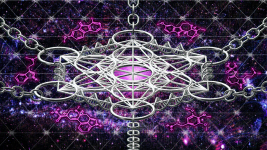
Melcat- a good way to have more control over the blur is to do it in two stages. First, make an oval selection with a wide feather- maybe twice what you have here- around the area you don't want blurred, then select the inverse, hide the selection (command/H) and blur the selected area slightly. Deselect, then repeat, this time with a larger oval and a higher degree of blurring.
If you really want a slick effect, selectively blur further back objects more than foreground ones (you may want to start by creating a layer mask around the chains etc. if you choose this approach).
If you really want a slick effect, selectively blur further back objects more than foreground ones (you may want to start by creating a layer mask around the chains etc. if you choose this approach).




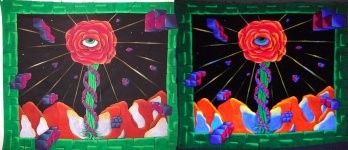


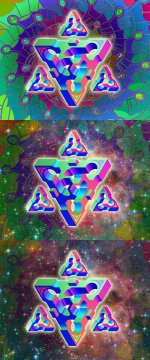

 :thumb_up:
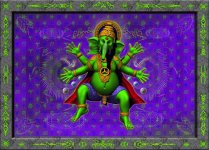

 But I don wanna post it until all of the panels are more or less finished.. Then it will be hardcore critique time.


 it has no function in the internet it's just used for printing and monitor resolution stuff )


